
HOW TO SPEED YOUR SITE
With the rise of website builders, creating sites in various niches — from portfolios to online stores — has become much easier. WordPress, in particular, is widely used for convenient management, allowing you to run a project without deep technical knowledge. At first glance, this seems perfect: lower development costs and full control over your website.
But there’s a major challenge — optimization. Have you ever noticed your site loading slowly, freezing, or your hero section taking forever to show images? This usually happens because of poor configuration and inefficient resource management.
HOW TO SPEED YOUR SITE
Website optimization is the process of speeding up the loading of web pages and multimedia content from the server so that they appear in the browser as quickly as possible. The faster your pages load, the less time passes between clicking a link and fully displaying its content.
For users, loading speed is one of the most obvious indicators of a site’s quality, alongside server response time, responsiveness, and user experience (UX) design. A high-quality website that loads within a couple of seconds has a higher chance of attracting and retaining visitors.
To check your website speed, use popular online tools like Google PageSpeed Insights, GTmetrix, or Pingdom. These tools will help you identify which elements are slowing your site down and guide you to concrete optimization methods, from compression to caching and code optimization.
How to speed up your website
Many factors affect page loading speed — from the quality of your hosting service and overall website performance to the CMS used and how users interact with your site.
Hosting
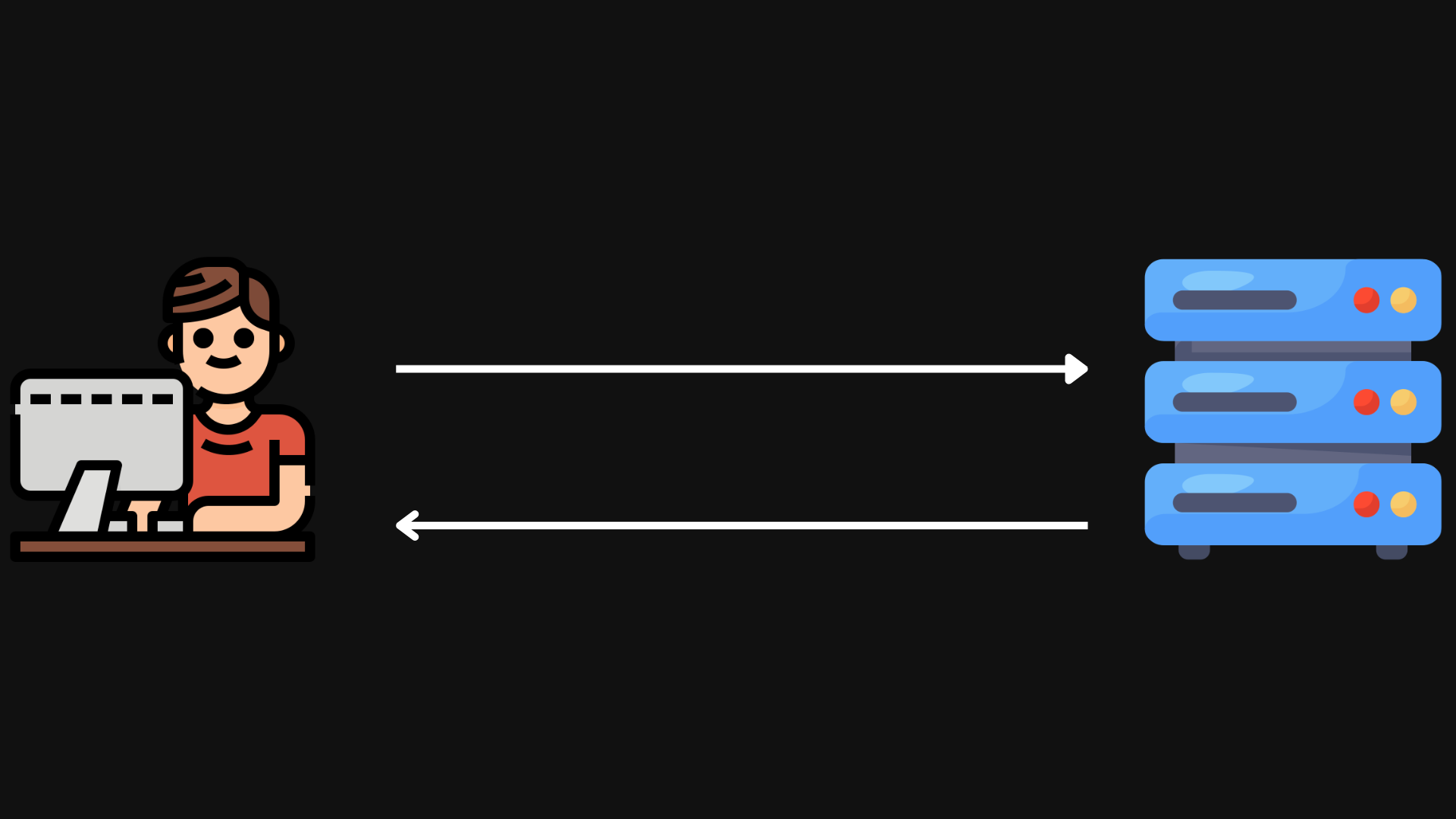
A fast and reliable website starts with quality hosting since your site resides there. WordPress is a single-threaded PHP application, so its speed directly depends on the server’s CPU performance. The more powerful the CPU, the faster WordPress generates HTML, and the quicker users receive data.
Avoid cutting corners on hosting. Cheap shared hosting means your site shares resources with many other sites, which can significantly slow it down. A better option is to use advanced solutions such as VDS, dedicated servers, or cloud hosting. While more expensive, they provide stable performance, resource separation, and better security.
Choosing how to build your website
If you know how to code, a custom-coded website can be much faster than a site built with a website builder. Builders, in addition to your content, load extra styles and scripts that slow down performance and increase server requests.
If you choose a builder, select carefully. Popular options include Elementor and Divi. Divi is slightly slower but offers more visual customization options.
Selecting a lightweight theme is also crucial. Themes with numerous dynamic elements, sliders, widgets, and social icons make a site functional and attractive but can increase server and browser load, slowing down page speed.
The best approach is to use lightweight themes with minimal functionality. WordPress has default simple and fast themes, but you can also try ultra-fast options like Astra, OceanWP, or Hello Elementor (perfect for Elementor).
For more complex, feature-rich websites, consider themes built on high-performance frameworks like Bootstrap or Foundation, optimized for speed and stability.
Optimizing image sizes
I once worked on a portfolio website for a photographer. The photos were stunning but too “heavy,” causing slow loading times.
If you publish high-quality images, it’s strongly recommended to convert them to modern web-optimized formats such as WebP or AVIF. These formats reduce file size without significant loss of quality.
[ Additionally, enable lazy-loading, which loads images only when they appear in the user’s viewport. For further optimization, you can reduce image resolution to match the website layout and use automatic compression via plugins or online tools. ]
Minify JS, CSS, and HTML
Minification reduces the size of HTML, CSS, and JavaScript files by removing unnecessary spaces, comments, and characters. This makes your site faster and lighter.
If you code manually, regularly clean up styles and scripts, remove duplicates, and eliminate unused code. Cleaner files = better performance.
Critical CSS
Critical CSS focuses on styling the above-the-fold content (like your hero section). Without it, browsers must load all CSS and JS before displaying anything, slowing rendering.
By using Critical CSS, users see the first screen immediately, while the rest loads in the background.
Database Optimization
Over time, your WordPress database accumulates spam comments, old drafts, unused themes, and plugins. This increases backup sizes and slows queries.
Regular database cleaning and optimization reduce weight, improve server response, and speed up your website.
Conclusion
Website optimization isn’t just a nice-to-have — it directly impacts sales, traffic, and user satisfaction. Faster websites keep users engaged and improve conversions.
But optimization takes time: database cleanup, minification, lazy loading, caching, and Critical CSS generation. To save hours of manual work, use Mirai Cache — a plugin that automates key WordPress speed optimization processes. With just a few clicks, your website will load faster, keeping visitors longer.
Get information about Mirai Cache